Step 3 of 11
Enter the 6-digit code from WhatsApp
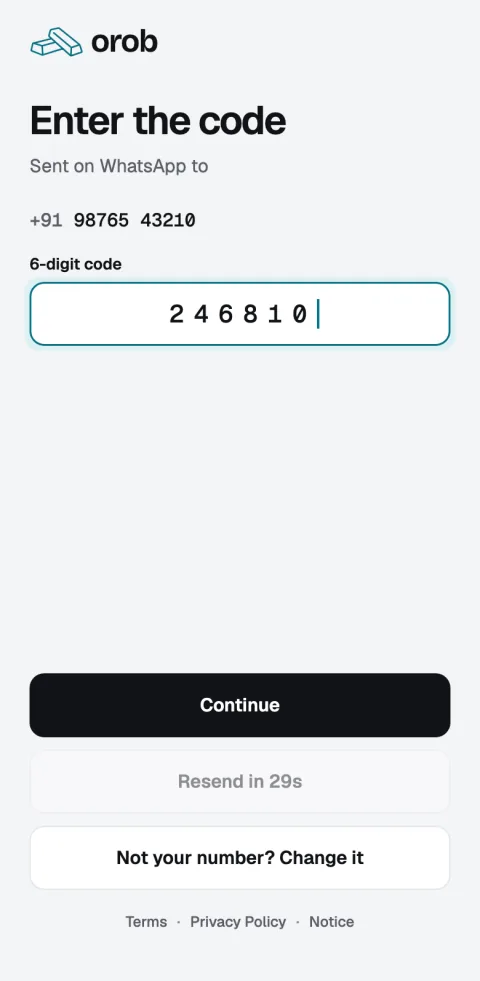
orob sends the code on WhatsApp, not by SMS, so the number you enter must have WhatsApp. Type the code in and tap Continue. If it does not arrive, wait for the Resend countdown to finish and ask for a new code.
Get the orob app
Free for Android and iPhone. Nothing is bought or paid inside orob, and the prices shown are indicative.


All 11 steps, with the videos, are on one page: How to set up your orob account.
orob is an independent price-discovery and dealer-directory service operated by Xaurum Fintech Private Limited. It gives general price information only, not investment or financial advice, and it does not sell gold or silver. Confirm the final price with the dealer. Read the Consumer Terms, the Privacy Policy and the Important information, or write to support@xaurum.in.